Works with videos from Instagram, YouTube, TikTok, Facebook and X
Repost a video that went viral, with your logo and caption on it. You get a file ready to post.
Paste the link to a reel or short. Pick a layout. We add your logo, a caption and subtitles, and in about 5 minutes you download the new video and post it on your own page.
- 2 free videos when you sign in
- Then ₹1,999 for 10 videos
- No editing skills needed
Sign in and get 2 free credits
1 credit makes 1 video. You only see your own videos.
On the team? Sign in with your email and password.
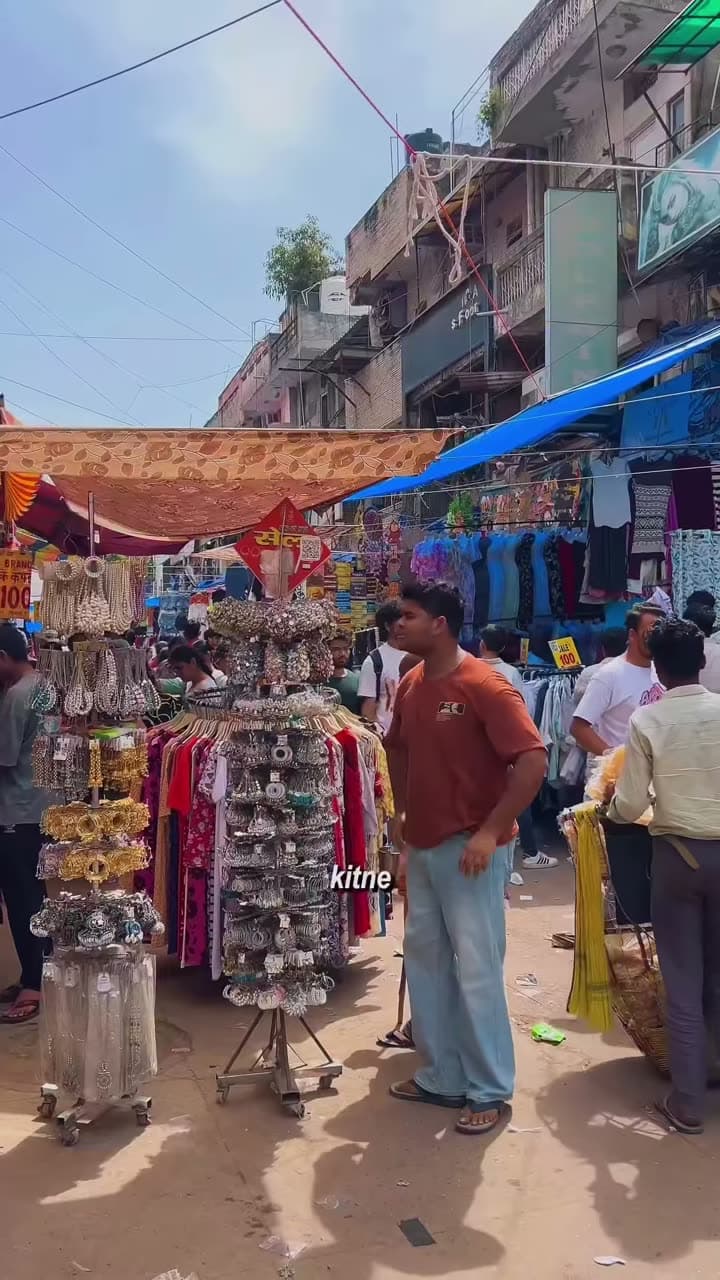
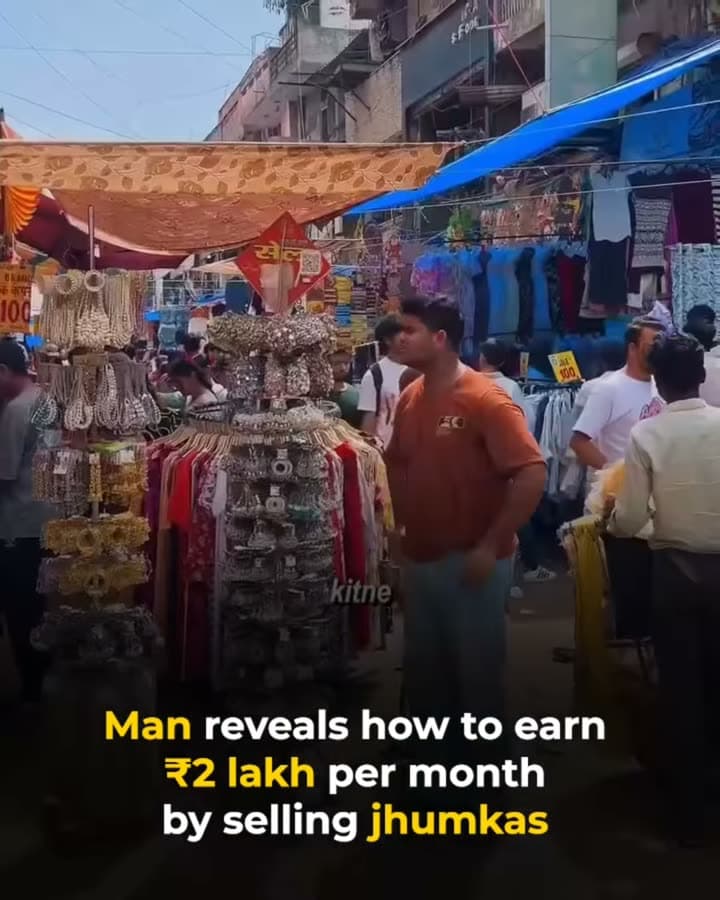
A video we made this way
How it works
Your part takes about 30 seconds. The first time, you also type your page name and, if you want, add your logo. You only do that once.
Paste a link to one video, or search YouTube for one.
Choose a layout, then add subtitles, your logo, a big number or music.
The video builds in about 5 minutes. Download it and post it yourself.
What it works with
There are 7 layouts and 17 add-ons in total. See them all.
Paste a link from
- Instagram reels and posts
- YouTube videos and Shorts
- TikTok videos
- Facebook videos and reels
- X posts with a video
Put on top
- Your logo and page name
- A bold caption bar
- Subtitles, made for you from the audio
- A big number or a short countdown
- Background music
What you get back
- One video file (MP4) to download
- Ready to post on Instagram, YouTube or anywhere else
- Only you can see it in your account
Examples
A 40-second video about GST
A vendor's video about a ₹5,500 lamp
₹5,500
per lamp
A video with one money tip
₹2,000
har mahine
These three are drawings, not real videos.
- You get 2 free videos when you sign in with Google. No card needed.
- 1 credit makes 1 finished video.
- A credit is only used when your video finishes. If it fails, you pay nothing.
- Credits do not expire. There is no monthly plan.
- Payment is through Razorpay. Your bank message and card statement will say myarchana.
- No refunds. Use your 2 free videos to try it before you buy.
What it does not do
It does not post for you
You download the file and post it yourself. We never log in to your Instagram or any other account.
It does not give you the right to repost
Only use a video you have the right to use. Naming the creator is good, but it is not the same as permission.
One video at a time
Paste the link to one reel, short or post. A profile page, channel or playlist will not work.
Public videos only
Private, deleted or login-only videos cannot be downloaded.
Long videos need trimming
A video longer than about 4 minutes is too big to finish. Trim it to the part you want first. Short, tall videos under 60 seconds work best.
It does not keep your videos forever
Finished videos are deleted after 10 days. Download each one before then.
Questions
What does Repost Portal actually do?
It takes a video that is already online, puts your logo, a caption and subtitles on it, and gives you back a new video file. You then post that file on your own page.
Do I need to know video editing?
No. You paste a link, pick a layout and type your caption. The video is made for you.
Do I have to connect my Instagram account?
No. You only type your page name and, if you want, add your logo. Nothing is posted for you.
How long does one video take?
Your part takes about 30 seconds. The video then takes about 5 minutes to build. You can close the page while it builds.
What is a credit?
1 credit makes 1 finished video. You get 2 free when you sign in. After that, 10 credits cost ₹1,999.
What if my video fails?
A credit is only used when the video finishes. If it fails, your credit stays with you and you can try again.
Am I allowed to repost someone else's video?
Only use a video you have the right to use. Naming the creator in your caption is good practice, but it is not permission. That choice is yours.
Can other people see my videos?
Other customers cannot. You only see your own videos, and they only see theirs. The small team that runs the tool can see every video, for example to fix one that failed.
Layouts and add-ons
7layouts17add-ons
Layouts
Caption
The video fills the screen, with a bold caption bar near the bottom.
Box
The video sits inside a frame with your branding.
Reaction
Your photo reacts from a bubble in the corner.
Split
The video plays on top and text fills the bottom half.
Slideshow
A title card plays, then the video, then an end card.
Square
The video sits as a square on a blurred background.
Quote-first
A big quote fills the screen, with the video below it.
Overlay
Story
Motion
Audio
Branding