Take a video millions of people already watched. Put your branding on it in 30 seconds.
You do not shoot or edit anything. You start with a video people already liked. That makes it cheap to try many posts.
Sign in and get 2 free credits
1 credit makes 1 video. You only see your own videos.
On the team? Sign in with your email and password.
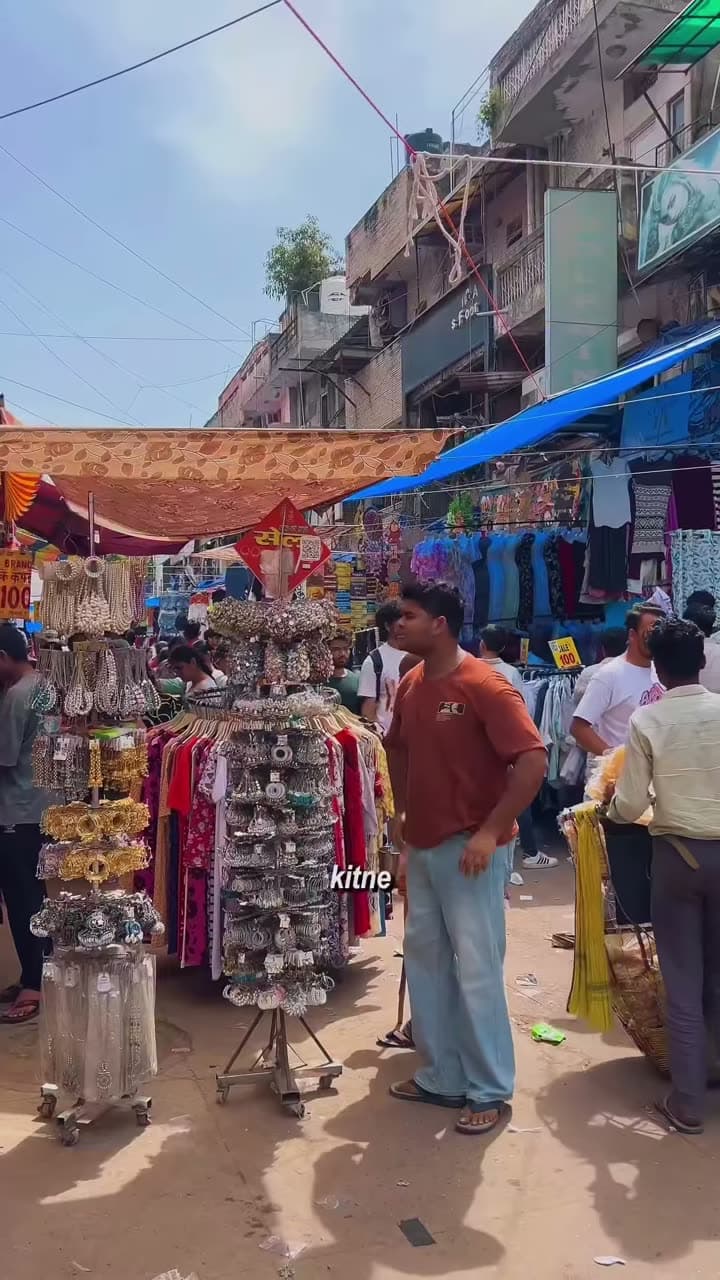
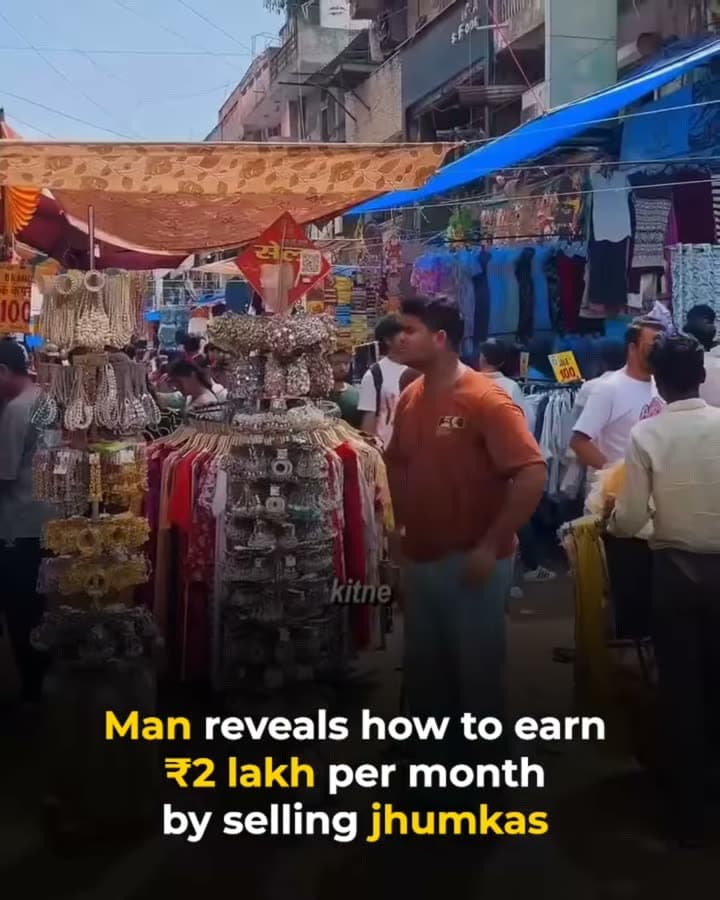
A video we made this way
How it works
Your part takes about 30 seconds. The video then builds in about 5 minutes without you.
You paste a link or search YouTube.
You add subtitles, a big number, your logo or music.
The video builds while you watch. Then you download the file.
Examples
A 40-second video about GST
A vendor's video about a ₹5,500 lamp
₹5,500
per lamp
A video with one money tip
₹2,000
har mahine
It works best on a tall video under 60 seconds that already has views.
These three are drawings, not real videos.
What it costs
1 credit makes 1 video. You get 2 free credits, then you can buy 10 credits for ₹1,999.
Only use a video you have the right to use. Crediting the creator is not permission.
We do not post anything for you. You download the file.
Layouts and add-ons
717
Layouts
Caption
The video fills the screen, with a bold caption bar near the bottom.
Box
The video sits inside a frame with your branding.
Reaction
Your photo reacts from a bubble in the corner.
Split
The video plays on top and text fills the bottom half.
Slideshow
A title card plays, then the video, then an end card.
Square
The video sits as a square on a blurred background.
Quote-first
A big quote fills the screen, with the video below it.
Overlay
Story
Motion
Audio
Branding